GIF Compressor Studio
A downloadable tool for Windows
GIF Compressor Studio is a free desktop application designed for simple, fast, and visual optimization of GIF animations. If you need to reduce the size of a GIF file for publishing on websites, social networks, or messaging apps, this program helps you compress the file without losing control over quality.
Why Use GIF Compressor Studio?
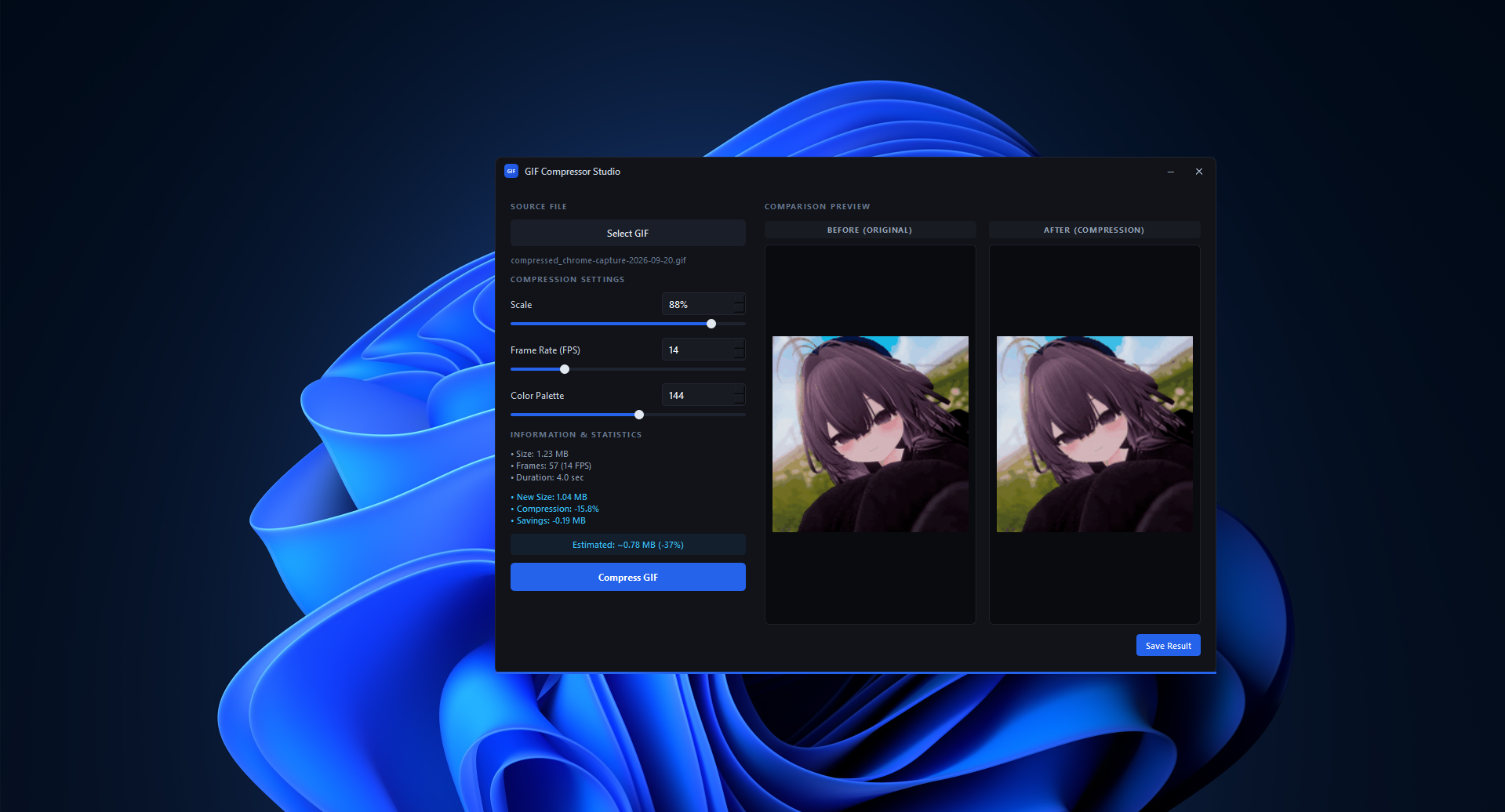
- Side-by-Side "Before & After" Comparison: View the original and compressed GIF files side-by-side in real-time to easily evaluate the quality.
- Instant Size Estimation: Get an automatic preview of the final file size and compression percentage even before processing begins.
- Sleek Dark Theme: A convenient and modern dark interface built for comfortable work.
- Automatic Settings Preservation: The application remembers your preferences between sessions so you don't have to configure everything from scratch.
Key Settings Explained
You don't need to be a technical specialist to reduce GIF file sizes. The program offers three simple adjustment parameters:
- Scale (10% – 100%):
- What it does: Changes the image resolution (physical dimensions).
- How to use: A slight reduction in scale (for example, to 80%) significantly reduces file size while maintaining image clarity.
- Frame Rate / FPS (1 – 60 FPS):
- What it does: Determines the number of frames played per second.
- How to use: Lowering the frame rate (for example, to 15 FPS) reduces the total frame count and lightens the file.
- Color Palette (8 – 256 colors):
- What it does: Limits the maximum number of colors in the animation.
- How to use: Standard GIFs use 256 colors. Reducing this value to 128 or 64 noticeably cuts file size with minimal impact on visual quality for simple graphics.
Step-by-Step Guide: How to Compress a GIF
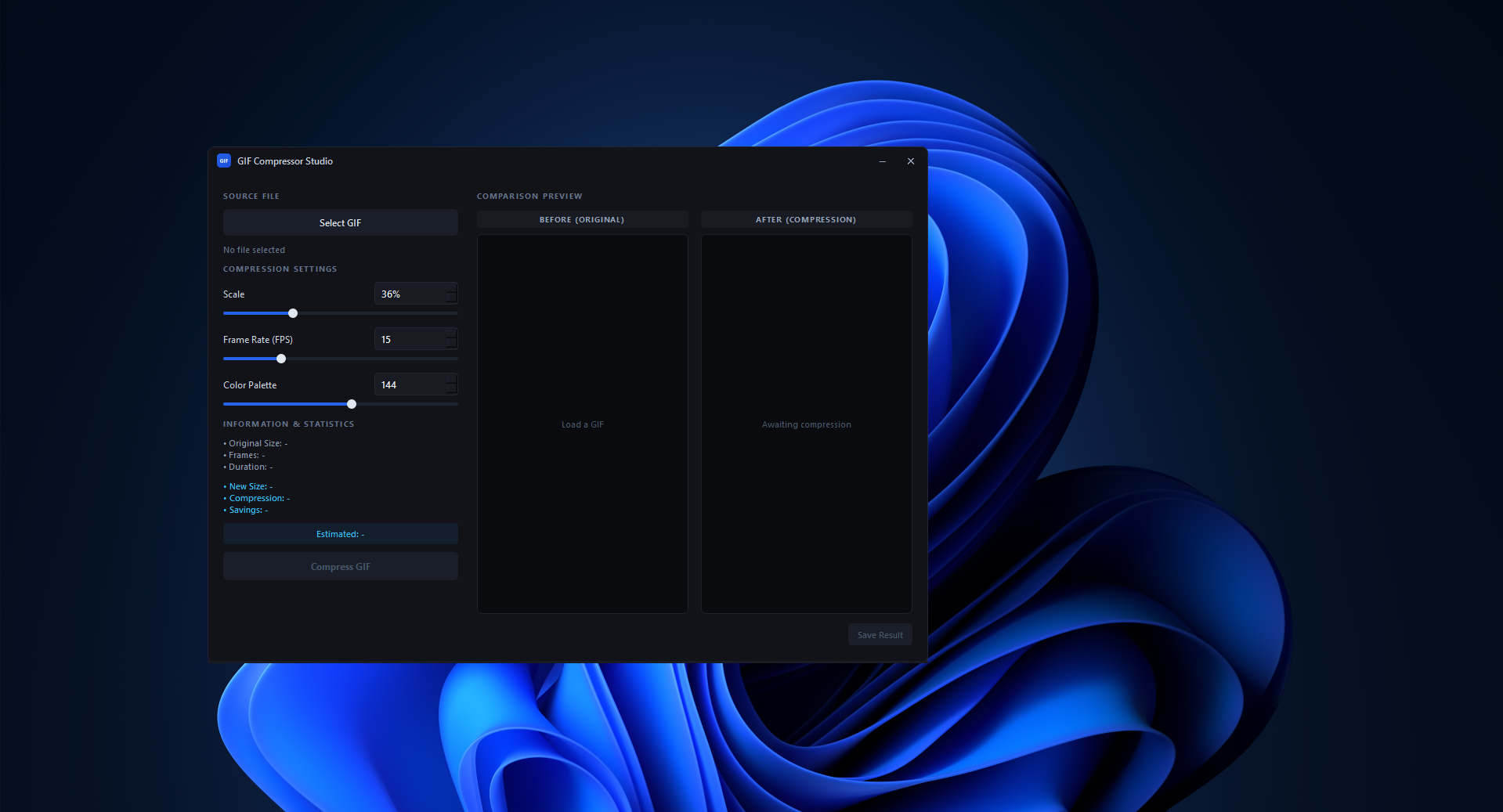
- Load a GIF File: Click the Select GIF button and choose the desired animation on your computer.
- View File Info: The panel on the left displays the original file size, frame count, and duration.
- Adjust Compression Settings: Move the sliders or enter values for Scale, Frame Rate, and Color Palette. Keep an eye on the estimated size block to gauge memory savings.
- Start Compression: Click the blue Compress GIF button. The progress bar will show the processing status.
- Evaluate the Result: Once completed, the original animation will play on the left ("BEFORE") and the compressed one on the right ("AFTER"). Check the new file size and saved space.
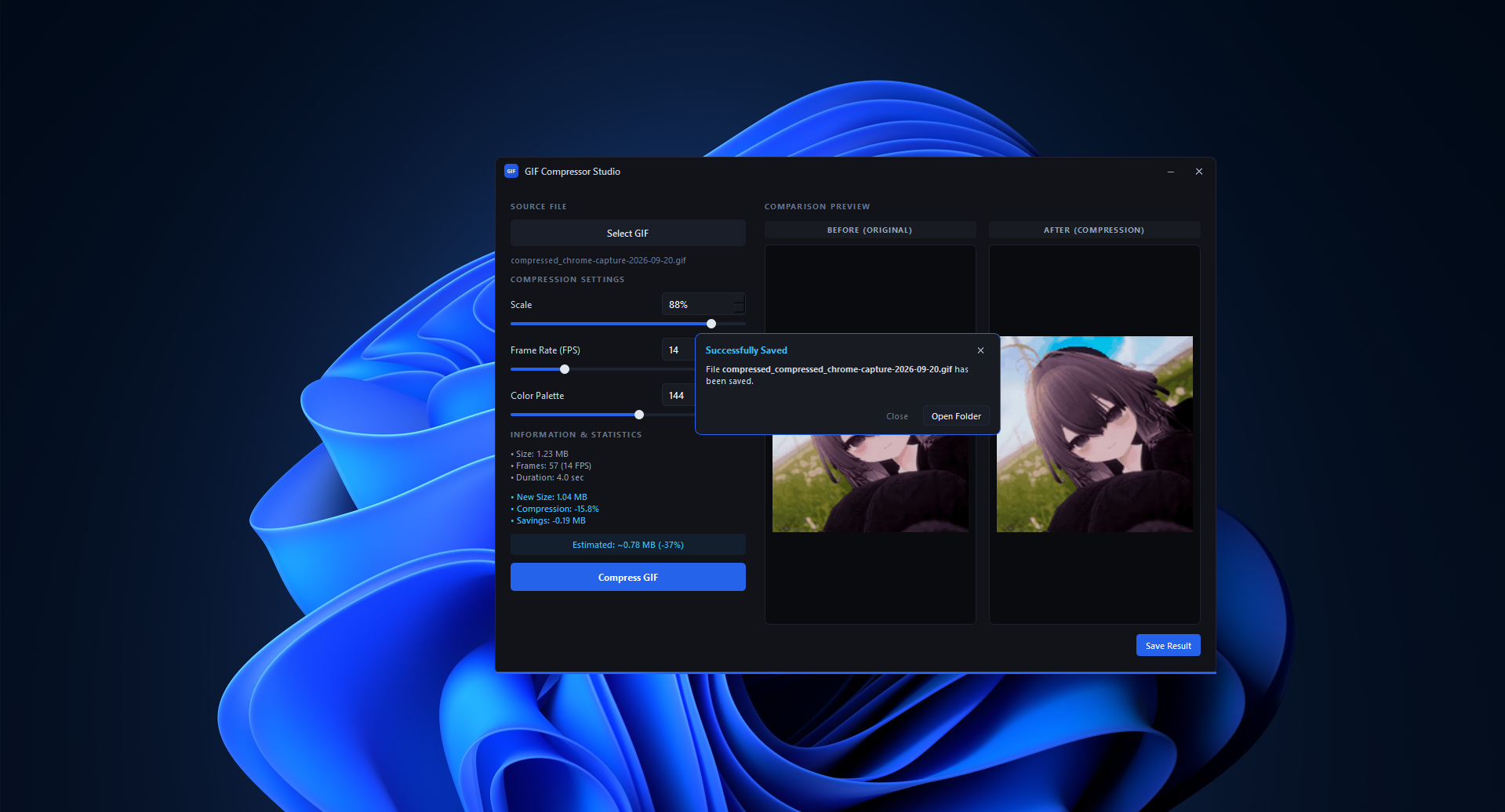
- Save the File: Click Save Result and select a folder on your computer to save the finished file. A success notification will appear with a button to quickly jump to the saved file's folder.
Download
Click download now to get access to the following files:
Leave a comment
Log in with itch.io to leave a comment.